
Author: Naveen D P
-

Optimizing Warehouse Operations with Cluster Picking in Dynamics 365 F&SCM
Fremont Fulfillment Co. operates a growing warehouse that handles high-volume ecommerce orders for wellness products like essential oils, lip balms, and other supplements. Note: “Fremont Fulfillment Co.” is a fictional company created for illustrative purposes in this blog. Any resemblance to real businesses is purely coincidental. Sounds simple on the surface. But every day, their…
-
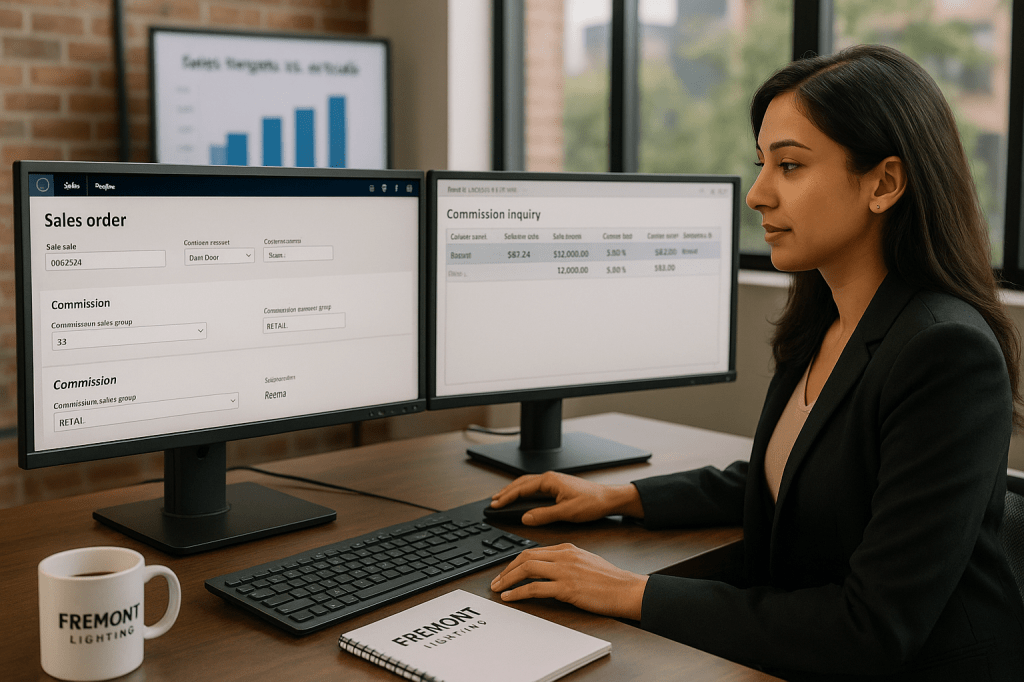
Commissions in sales order
Sales commissions are a great way to keep your sales team motivated to generate more business and increase the organization’s revenue. Microsoft Dynamics 365 F&O helps us to effectively process and track the sales commissions in an organization. In this blog, let’s discuss how to set up sales commissions for organization. Setup: Sales and marketing>…
-

Direct Delivery orders
In this Blog, Let’s discuss on direct deliveries to customers in Microsoft Dynamics 365 F&O. Business organizations can deliver the products directly from the vendor to customers without physically entering your company’s inventory. Process as follows: 1.Sales and marketing > Common > Sales orders > All sales orders > New Sales order 2. Select the…
-

Order Events in Sales order
Hello Everyone, Welcome to my next blog. This blog is short, but can it be important to any business organizations. In this blog, Lets discuss on order event setup in sales and marketing module to track the actions that users take in customer orders. Setup: Sales and marketing> Setup> Events> Order events Create a new…
-
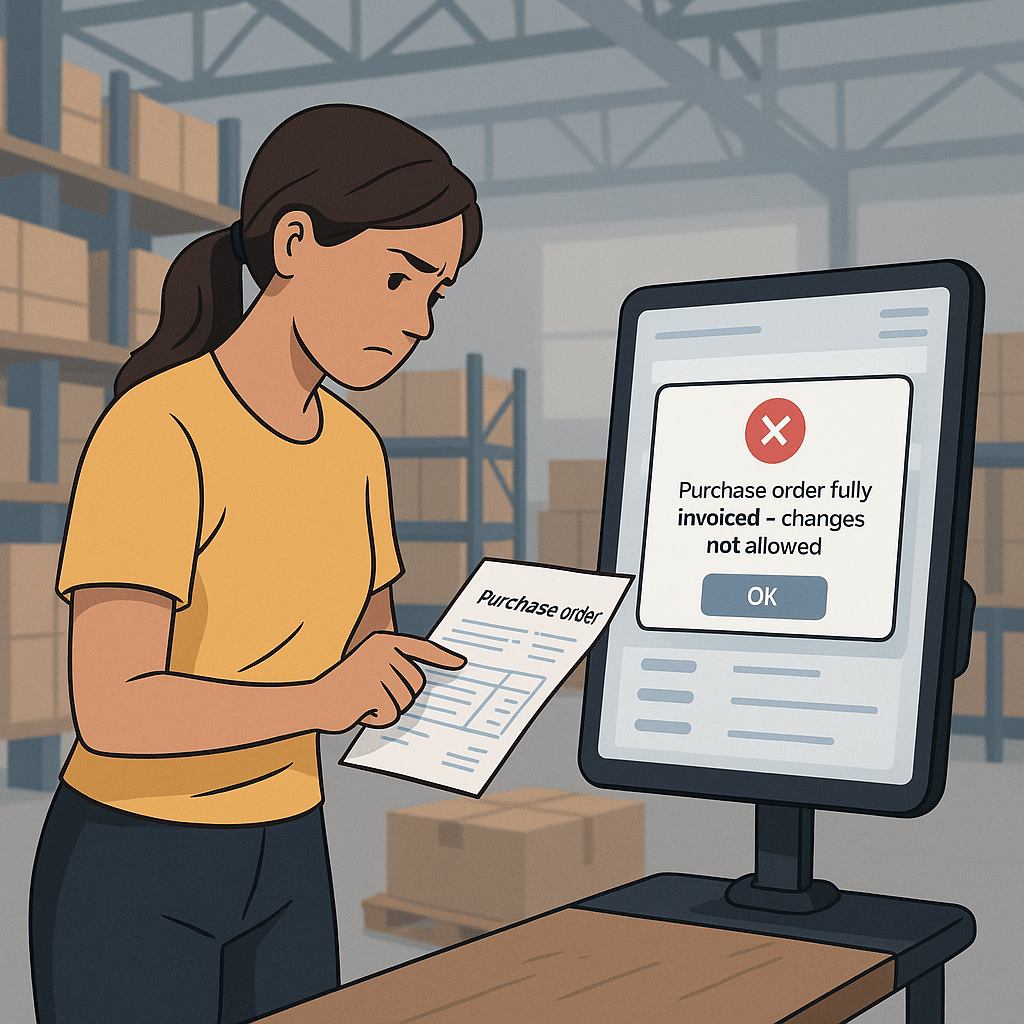
Changes in Fully Invoiced Purchase Orders
Hello Everyone, In this blog, Lets discuss on a purchase cycle where the business wants no changes on invoiced purchase orders. Solution: Setup as Locked in safety level of invoiced orders. Setup: Procurement and sourcing> Setup> Procurement and sourcing parameters> Delivery> Safety level of invoiced orders Scenario 1 : None I have setup safety level…
 Dynamics Guide