
Hello Everyone,
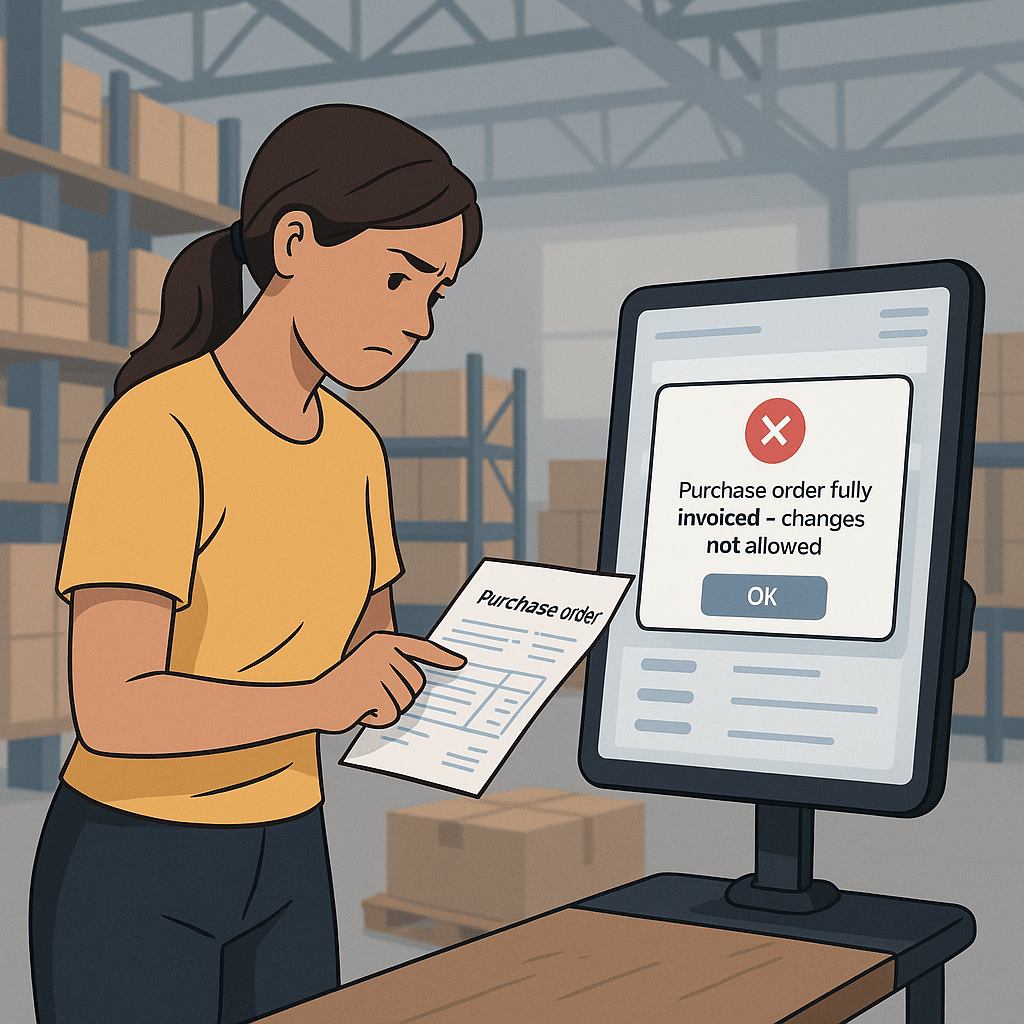
In this blog, Lets discuss on a purchase cycle where the business wants no changes on invoiced purchase orders.
Solution: Setup as Locked in safety level of invoiced orders.
Setup: Procurement and sourcing> Setup> Procurement and sourcing parameters> Delivery> Safety level of invoiced orders
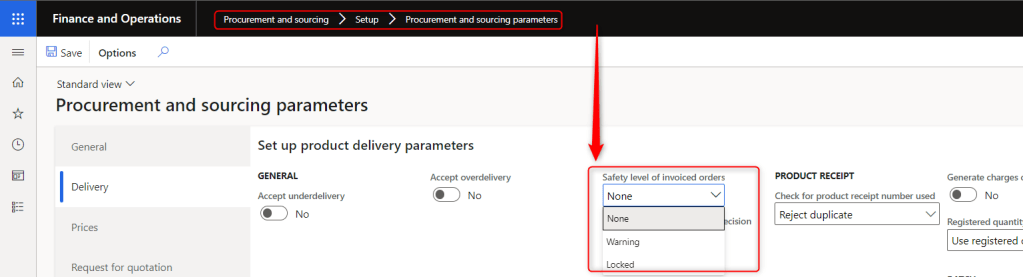
- None: User can add additional lines in fully purchased orders.
- Warning – User can add new order lines to an invoiced purchase order, but a warning message is displayed.
- Locked – User cannot make any changes to an invoiced purchase order.
Scenario 1 : None
I have setup safety level of invoiced orders to None and I am able to add lines in fully invoiced purchase orders as shown below.

Scenario 2 : Warning
Now, I have setup safety level of invoiced orders to Warning and trying to add lines/products in purchase orders, But system is prompting warning as “This purchase order has been fully invoiced, Do you want to modify it? As highlighted below.

Select Yes if want to add the products and proceed further with purchase order process.
Scenario 3 : Locked
At last, I have setup safety level of invoiced orders to Locked and System is not allowing me to add lines/products as these options are disabled.

That’s it for this blog, Use the above strategies based on your business requirements.
Thank you!
 Dynamics Guide
Leave a comment